Modern workdays move fast, and professionals often shift between documents, meetings, dashboards, and messages without pause. Each switch may seem small, but together they slow focus, drain energy and reduce clarity.
Businesses now look for tools that support steady work instead of constant adjustment. This is where on-device intelligence changes daily computing in a meaningful way.
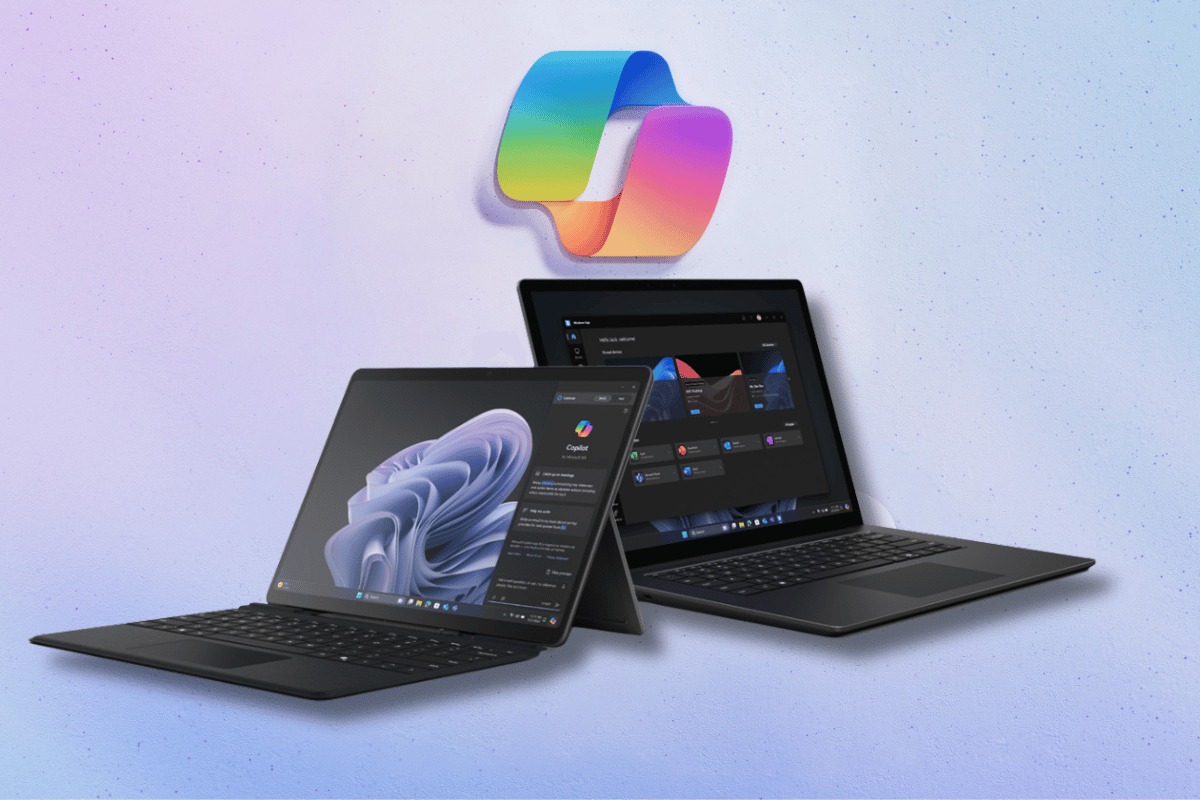
An AI-integrated laptop places intelligence directly on the system where work happens. It observes patterns, understands intent, and supports tasks without pushing users to jump between apps again and again.
Let us explore seven on-device AI laptop features that reduce app switching in practical ways. Each feature shows how intelligence can quietly support work, keep attention steady, and help professionals stay in flow while using fewer tools at the same time.
1. Context-Aware Task Continuity
Work rarely happens in isolation. Emails connect to documents, and meetings connect to notes. On-device AI helps maintain continuity across these tasks so users do not need to open multiple apps to stay aligned.
An AI-integrated laptop recognizes your active work and quietly prepares related features in the background. When you come back to a task, it brings everything back into place so you can continue smoothly without searching again.
How does this reduce switching
- Keeps relevant files open and updated
- Brings related content forward automatically
- Reduces time spent reopening or searching
As a result, work continues smoothly without breaking focus.
2. Intelligent Search Across Local Content
Searching often causes unnecessary switching. Users jump from file explorers to email clients to browser tabs, trying to locate one detail. On-device AI simplifies this experience.
An AI-integrated laptop offers one intelligent search that looks across local files, messages, notes, and settings at once. Results appear quickly and clearly without opening multiple applications.
Key benefits of unified search
- One search bar instead of many tools
- Faster access to local information
- Less interruption during focused work
Because searching stays centralized, users remain in the same workflow.
3. Smart Notifications That Respect Focus
Notifications often interrupt attention and force users to open apps just to check their importance. On-device AI brings balance to this experience. An AI-integrated laptop learns work patterns and understands priorities. It highlights critical updates while holding back distractions during deep work periods.
What smart notification handling does
- Surfaces urgent messages at the right time
- Groups are less important alerts for later review
- Reduces unnecessary app openings
This approach keeps users informed without constant disruption.
4. Real-Time Content Assistance Within One App
Many professionals switch apps to get help while writing, analyzing, or preparing content. On-device AI removes this friction by offering support where work already happens. An AI-integrated laptop delivers suggestions, summaries, and improvements inside the active application. Because the processing runs locally, responses feel instant and dependable.
Examples of in-app assistance
- Writing suggestions inside documents
- Data insights within spreadsheets
- Presentation guidance while building slides
Work stays uninterrupted and focused in a single space.
5. Voice and Gesture Commands for Simple Actions
Small actions such as opening apps or adjusting settings often interrupt momentum. On-device AI offers natural ways to manage these tasks. An AI-integrated laptop supports voice or gesture commands that complete routine actions without leaving the current task.
Common actions are handled naturally
- Opening files or applications
- Adjusting volume or brightness
- Starting meetings or recordings
These interactions reduce friction and maintain concentration.
6. Predictive App Readiness
Opening the right app at the right time often requires manual switching. On-device AI makes this process smoother. An AI-integrated laptop predicts which tools you need next based on behavior and timing. It prepares them in advance so transitions feel effortless.
How predictive readiness helps
- Reduces wait time between tasks
- Keeps commonly paired apps ready
- Supports smoother task transitions
The system feels supportive instead of disruptive.
7. Unified Dashboard for Daily Work
Many professionals rely on multiple dashboards across apps, which increases switching and mental load. On-device AI simplifies this view. An AI-integrated laptop presents task schedules and updates in one unified space. Users review priorities without opening several applications.
What a unified dashboard offers
- Clear view of tasks and deadlines
- Quick access to key updates
- Fewer tools needed at once
This structure supports calmer and more organized workdays.
Conclusion
App switching often feels unavoidable, but over time. It quietly drains focus and energy. On-device intelligence offers a better path forward by reducing friction instead of adding complexity. Each feature discussed shows how thoughtful design supports attention and flow.
An AI-integrated laptop works alongside professionals without forcing new habits or constant adjustments. It adapts naturally to how people already work and removes small obstacles that slow progress.
When technology protects focus rather than competing for it, work feels lighter, clearer, and more human. That connection between people and tools makes every workday more meaningful and productive.