INTRODUCTION
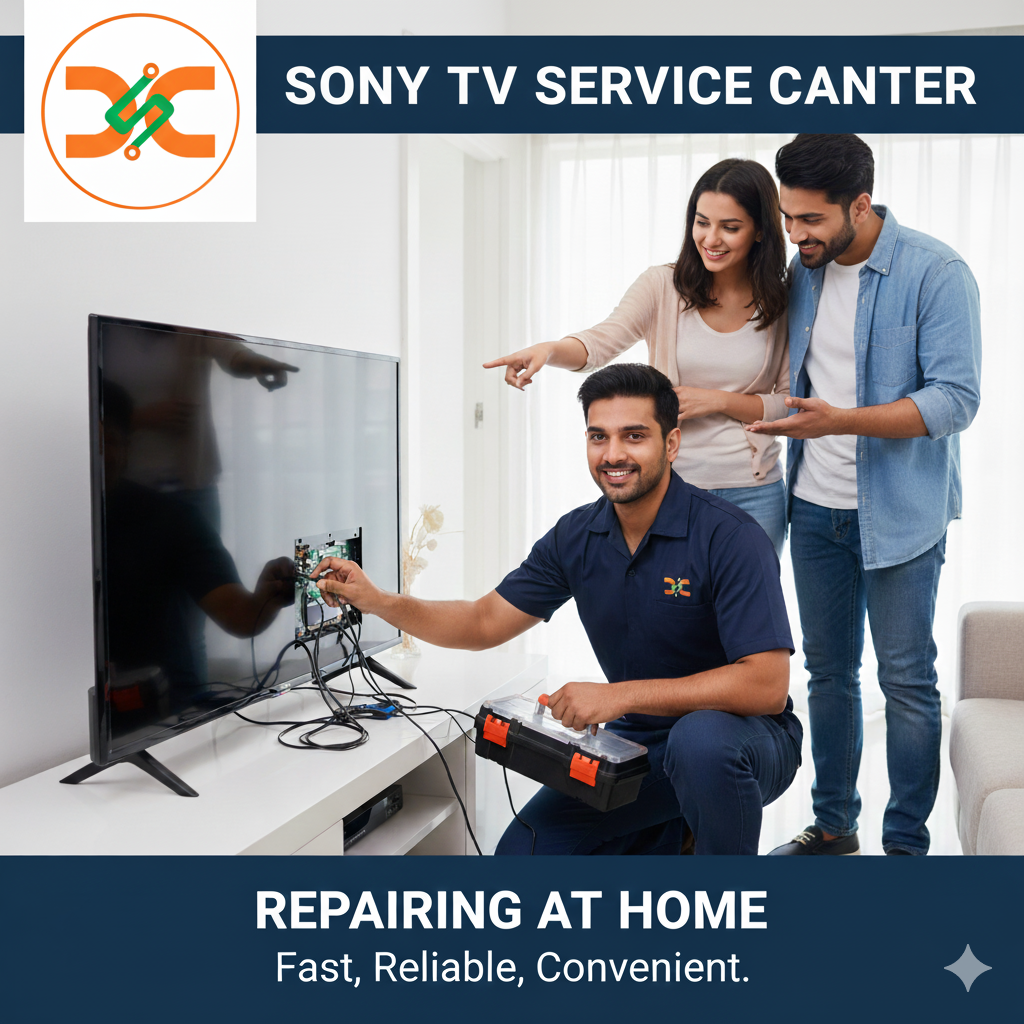
Smart TVs are built with advanced software and complex hardware, which makes them highly efficient but also prone to occasional glitches. One of the most frustrating issues many users face is a TV stuck on the Sony logo screen. The boot loop problem prevents the television from loading the home screen, making it completely unusable. If you’re experiencing this issue, the Sony TV Service Center is the right place to seek help. Trained technicians can identify whether the cause is software corruption, firmware failure, or a deeper hardware fault and provide the correct solution.
In this detailed guide, you will learn why Sony TVs get stuck on the logo, how professional technicians diagnose the issue, repair options, and why choosing an authorized service center ensures long-term reliability.
Why Sony TVs Get Stuck on the Logo Screen
A boot-loop issue can be triggered by various reasons. Understanding these will give you a better idea of how the Sony TV Service Center approaches the repair.
1. Corrupted Firmware
Smart TVs rely heavily on firmware to function. If the firmware update is interrupted due to a power cut, unstable internet, or a system glitch, the TV may fail to load and keep returning to the Sony logo.
2. Internal Software Failure
Long-term usage, too many installed apps, or outdated system files may cause software damage. When these files fail to execute during startup, the TV may freeze on the logo.
3. Damaged Main Board
The motherboard (main board) controls video output, audio processing, and system booting. If the board is faulty, the system will not boot beyond the Sony logo.
4. Faulty eMMC Storage
The internal memory (eMMC) is responsible for storing key system data. When it becomes defective, the TV cannot read essential files required to load the interface.
5. Power Supply Irregularities
Unstable power supply or damaged components inside the power board can also cause booting problems.
How the Sony TV Service Center Diagnoses the Problem
The technicians follow a systematic diagnostic process to determine what exactly is causing the boot loop.
1: Visual and Power Examination
They begin by checking the power supply board, voltage flow, and physical damage. Any abnormalities may hint at hardware faults.
2: Forced Reboot and Recovery Mode Attempt
Sony TVs come with recovery modes that allow technicians to try a system reboot or reset from within the software. This is useful when firmware files are corrupted.
3: Firmware Flashing
If the TV software is damaged, specialists may install the latest Sony official firmware via USB or service tools.
4: Main Board Testing
If software repair fails, technicians test the motherboard and identify if a replacement is required.
5: Boot Loop Repair with eMMC Replacement
Some models need eMMC memory reprogramming or replacement to resolve the stuck-logo issue permanently.
Can the Sony TV Service Center Fix a TV Stuck on the Logo?
Yes, the Sony TV Service Center can effectively restore a TV stuck on the Sony logo. The technicians are trained to handle both software and hardware boot issues, ensuring accurate solutions.
Solutions Provided Include:
1. Factory Reset and Recovery
This is performed when the issue is minor and caused by temporary software corruption.
2. Firmware Reinstallation
Reinstalling the official Sony firmware is the most common and effective solution for boot loop cases.
3. Software Optimization and Cache Cleanup
If the TV manages to load partially, software optimization is performed to ensure smooth functioning.
4. Hardware Repair or Replacement
If the main board or memory chip is faulty, certified replacement parts are used to restore the TV to original performance levels.
5. Advanced Boot Repair Tools
Authorized centers use Sony diagnostic tools to fix complex firmware crashes that regular technicians cannot resolve.
Why Choose an Authorized Sony TV Service Center?
Getting help from an authorized center is essential for long-lasting repairs. Here’s why:
Expertise in Sony Models
Technicians receive specialized training in handling Sony Android TV and Google TV platforms.
Genuine Spare Parts
Only original Sony components are used. This ensures longer lifespan and compatibility.
Warranty-Friendly Service
Repairs done at authorized centers protect your warranty status.
Advanced Tools and Software
Authorized centers use tools that third-party shops do not have access to.
Quick Turnaround Time
Most boot-loop issues can be resolved within a few hours or on the same day.
Sony TV Service Center in Thane
If you are located in Thane, you can visit the Sony TV Service Center in Thane for professional repair services. This center handles issues such as boot loops, firmware failures, display problems, sound issues, and connectivity faults using genuine Sony spare parts and advanced diagnostic tools.
Sony TV Service Center in Mumbai
For users in Mumbai, the Sony TV Service Center in Mumbai provides expert repair solutions, including software flashing, main board repair, eMMC replacement, power board repair, and complete system diagnostics. Their team ensures reliable and long-term solutions for all Sony TV models.
Additional Tips Before Visiting a Service Center
1. Try Unplugging the TV
Keep the TV unplugged for 10 minutes to reset internal components.
2. Attempt Forced Factory Reset
Some Sony TVs allow you to press and hold certain buttons on the remote or TV panel to perform a forced reset.
3. Remove External Devices
HDMI devices like soundbars, consoles, or set-top boxes sometimes interfere with startup.
If these steps fail, only an expert technician at the Sony TV Service Center can help resolve the issue fully.
When You May Need Professional Help
You should visit a center immediately if:
• The logo screen appears repeatedly
• The TV shuts down during booting
• Recovery mode doesn’t work
• Firmware installation fails
• The TV shows distorted graphics during boot
Boot-loop issues rarely resolve on their own and usually need professional repair.
FAQs
1. Why is my Sony TV stuck on the Sony logo?
It usually happens due to corrupted firmware, faulty memory, or main board failure.
2. Can a factory reset fix the issue?
Yes, if the problem is minor. But severe firmware corruption requires professional repair.
3. How long does the Sony TV Service Center take to fix this?
Most repairs take a few hours to one day depending on the complexity.
4. Is firmware flashing safe?
Yes. Authorized service centers use secure Sony tools to reinstall firmware safely.
5. Will my data or installed apps be erased?
Yes, system resets or firmware repairs usually wipe all app data.
6. Is a main board replacement expensive?
Cost depends on the model, but service centers provide genuine parts with warranty.
7. Can a power surge cause boot issues?
Yes, unstable voltage can damage software or hardware components.
8. Should I try to flash firmware myself?
It is not recommended unless you are trained. Wrong files can permanently damage the TV.
9. Can recovery mode fix a boot-loop?
In some cases, yes. But not if the eMMC or main board is faulty.
10. Will the repair affect my warranty?
Authorized repairs do not affect your warranty status.