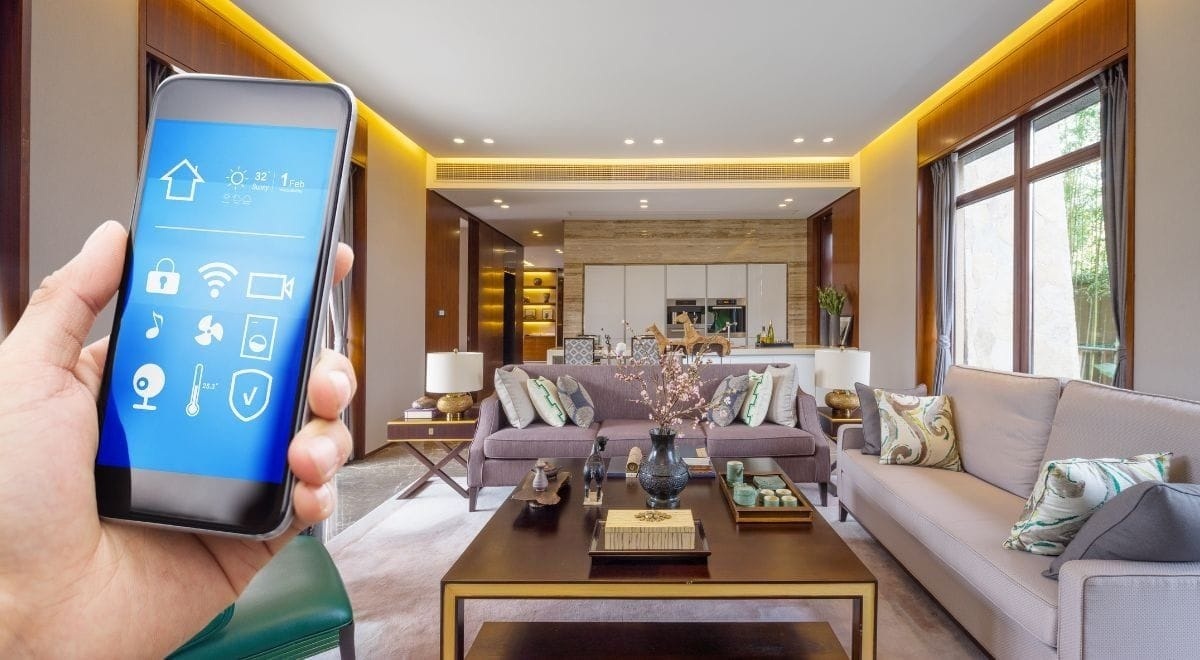
Home automation can free you from repetitive chores, improve energy efficiency, and increase safety, but only when it is planned and executed with realistic expectations and human-friendly controls. If you are ready to adopt home automation at scale in your residence, the right path is to map outcomes, design for reliability, manage privacy and security proactively, and build a maintenance rhythm that keeps the house functioning as intended over years rather than days. This article offers a step-by-step blueprint that turns ambitious automation goals into a dependable, maintainable home system.
Start With Outcomes, Not Devices
Begin by describing what a successful automated home looks like in concrete terms. Do you want to reduce heating bills, ensure packages are not stolen, or simplify lighting for elderly relatives? Translate those goals into scenes and measurable actions. Avoid shopping for individual gadgets before you know the scenes the house needs to support; otherwise you risk creating many single-purpose automations that are brittle and ignored.
Prioritise Use Cases That Repeat Daily
Automations that occur multiple times a day—thermostat schedules, lighting transitions, and lock behaviors—deliver the most value. Focus early effort on these repeatable patterns and delay infrequent or experimental automations to later phases.
Foundation First: Network, Power, And Local Control
A resilient home automation system rests on a reliable network and sensible power topology. Place Wi-Fi access points to eliminate weak spots, use wired Ethernet for bandwidth-hungry endpoints when possible, and segment IoT traffic to reduce exposure. For critical systems like locks, HVAC, and security cameras, choose devices capable of local control so they continue to function without internet access.
Consider A Small On-Premise Controller
A local controller provides an authoritative place for schedules, scene logic, and critical automations. Choose one that supports a mix of wired and wireless protocols and that can operate autonomously when cloud services fail. This approach offers the convenience of cloud features while retaining operational resilience.
Device Selection: Reliability, Support, And Compatibility
When selecting devices, weigh reliability and supportability as heavily as initial price. Identify a set of compatible components for lighting, heating control, and security that are known to integrate cleanly. Buying from vendors with active support and a track record of firmware updates reduces the chance of early obsolescence.
Prefer Standards And Broad Ecosystem Support
Devices that support common protocols and have strong third-party integrations give you freedom. Avoid proprietary silos for core subsystems. Where a proprietary platform provides unique advantages, ensure you can export or replace components if the vendor discontinues support.
Design Simple, Predictable User Interfaces
Complicated control screens or hidden automations frustrate users. Keep daily controls visible and obvious: a prominent “away” button near the main exit, an easy “goodnight” routine, and a simple way to override automations. Train family members and keep a cheat sheet near key panels so transient visitors or service workers can operate the home without special knowledge.
Use Physical Controls For Essential Actions
Physical buttons or tactile controls for high-value actions remain the most reliable interface. Wall-mounted controls, key fobs, or single-button remotes for scenes reduce cognitive load and make the system accessible to non-technical users.
Security And Privacy Practices
Security and privacy cannot be afterthoughts. Segment IoT devices from household computers with VLANs, use strong passwords and two-factor authentication for cloud accounts, and disable unknown or unused services. For cameras and microphones, implement retention policies and masking where feasible and store critical evidence locally rather than relying solely on cloud storage.
Manage User Access Carefully
Set up distinct user accounts and temporary credentials for guests and service people, and enforce least privilege. Audit access logs periodically and revoke credentials that are no longer necessary. These practices keep the system secure and auditable.
Integration Patterns That Work
Certain integration patterns reliably pay off: presence-based HVAC zoning to avoid heating empty rooms, lighting scenes triggered by sunset and occupancy, and security integrations that combine door sensors, cameras, and lighting to create meaningful alerts. Focus on automations that coordinate multiple systems for compound benefits rather than isolated gadget behavior.
Calm Logic Over Flashy Triggers
Avoid overly complex chains where an error in one device disables a valuable scene. Prefer “calm logic” that provides graceful fallback: if the hue light command fails, turn on an auxiliary lamp rather than do nothing.
Installation And Commissioning Best Practices
Install devices with future servicing in mind: mount controllers with access panels, label cables, and leave space for additional modules. Commission the system by walking through real-life scenarios with family members: test the arrival routine, night routines, and emergency processes. Document final device IDs, network addresses, and recovery steps in a small binder or encrypted note.
Simulate Failure Modes
Simulate internet loss, power outage, and device failure to observe whether the house behaves safely. Adjust automations so critical functions continue to work locally and so occupants know how to operate the home manually.
Maintenance And Firmware Management
Establish a maintenance cadence: check logs monthly, replace batteries proactively, and run firmware updates on a scheduled maintenance window. Test major firmware upgrades in a staging environment where possible before rolling them site-wide. Maintain a small inventory of spare batteries and commonly replaced parts.
Keep A Change Log
Record configuration changes and updates to automations so you can revert when an update introduces unintended behavior. A short change log is the quickest way to diagnose when a once-working scene stops performing as expected.
Scaling The Home Automation System
When expanding, reuse patterns and naming conventions. Add new rooms incrementally and use existing, proven automation templates rather than reinventing scenes. Consider domain-specific controllers for large subsystems such as multi-zone AV or centralized HVAC to keep the automation logic tidy and maintainable.
Plan For Future Integrations
Design wiring and conduit with spare capacity and reserve some switch ports and power circuits for future additions. Small planning investments save major installation headaches later.
Real-World Example: Senior-Friendly Home Automation
For an aging-in-place deployment, prioritize fall detection, automatic lighting with gentle fade-ins, door locks that allow caregivers time-bound access, and voice-enabled emergency calls. Keep physical overrides prominent and train family and caregivers in recovery steps. These focused automations yield safety and independence while remaining unobtrusive.
Conclusion
Home automation becomes valuable when it is planned, secure, and centred on genuine daily needs. Start with outcomes, build a resilient network and local control strategy, choose interoperable devices, and design simple controls that everyone can use. Commission thoroughly, document changes, and maintain a steady update and battery-replacement rhythm. With this approach your home will reliably improve comfort, save energy, and support the life you live long after the initial installation excitement fades.